

Downloads and orders
Download the clean files
If you want to print elsewhere or use the design online, buy its files. You pay once per design and get the exact version you paid for, without the preview mark and at full resolution.
Buy the files
Step 1: Open the order window
In the editor, click Order. The button also shows the price of the files. Without an account the app asks you to sign in first; your design is kept.
Step 2: Choose Digital files
Under What would you like? choose Digital files. Pay once. Your clean, full-resolution files appear under My downloads and stay available for a year.
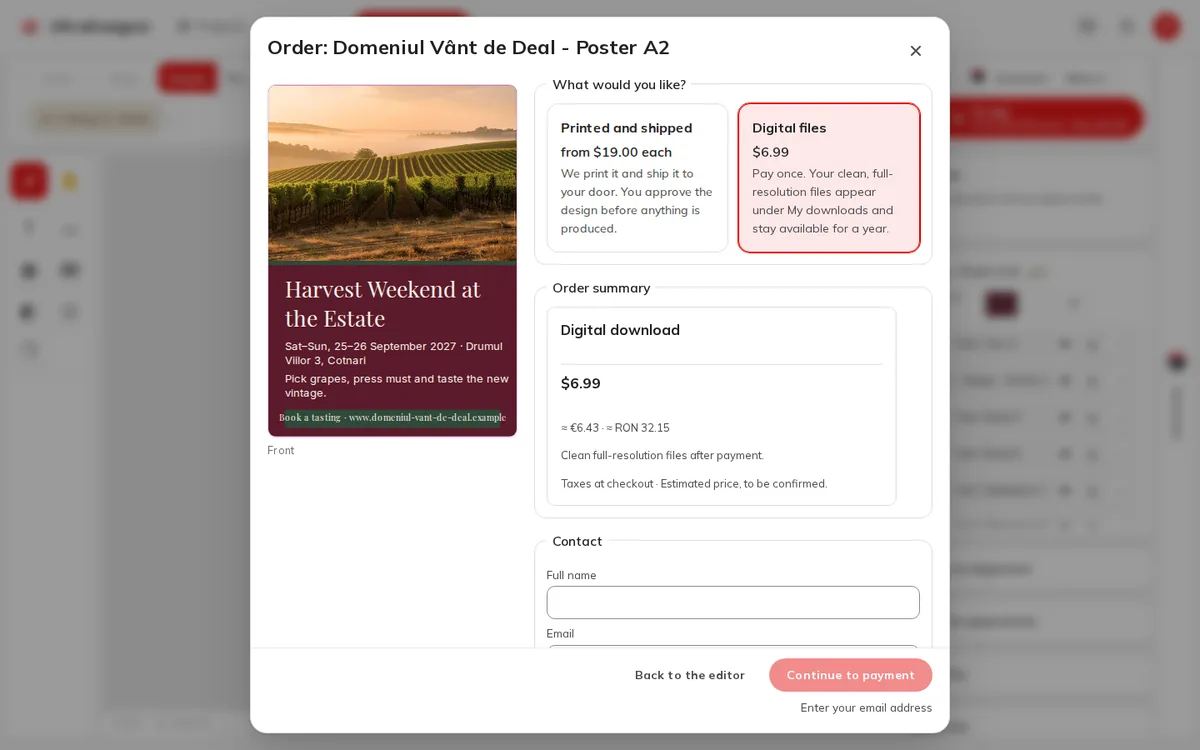
Step 3: Fill in the contact details
A download needs only a name and an e-mail address (Contact), no shipping address. Tick the consent box for downloadable files, which the app shows before payment.
Step 4: Pay
Click Continue to payment and pay by card at checkout. When the payment is confirmed you see Payment received.
What you get
| Product | Files |
|---|---|
| Print products | print.pdf (vector, text as outlines, with bleed); front.png and back.png at 300 dpi with the bleed; front.jpg |
| Digital formats | PNG, JPG and WebP at the format's native pixel size |
| Always | LICENSE.txt and README.txt (how to hand the files to a printer) |
On the downloads page the files are grouped as Print PDF, Images and Licence and guide, and Download all (zip) gets them in one go.
Find your files later
Open My downloads (you must be signed in). Each purchase shows Available until a date one year after you bought it and how many downloads you have used.
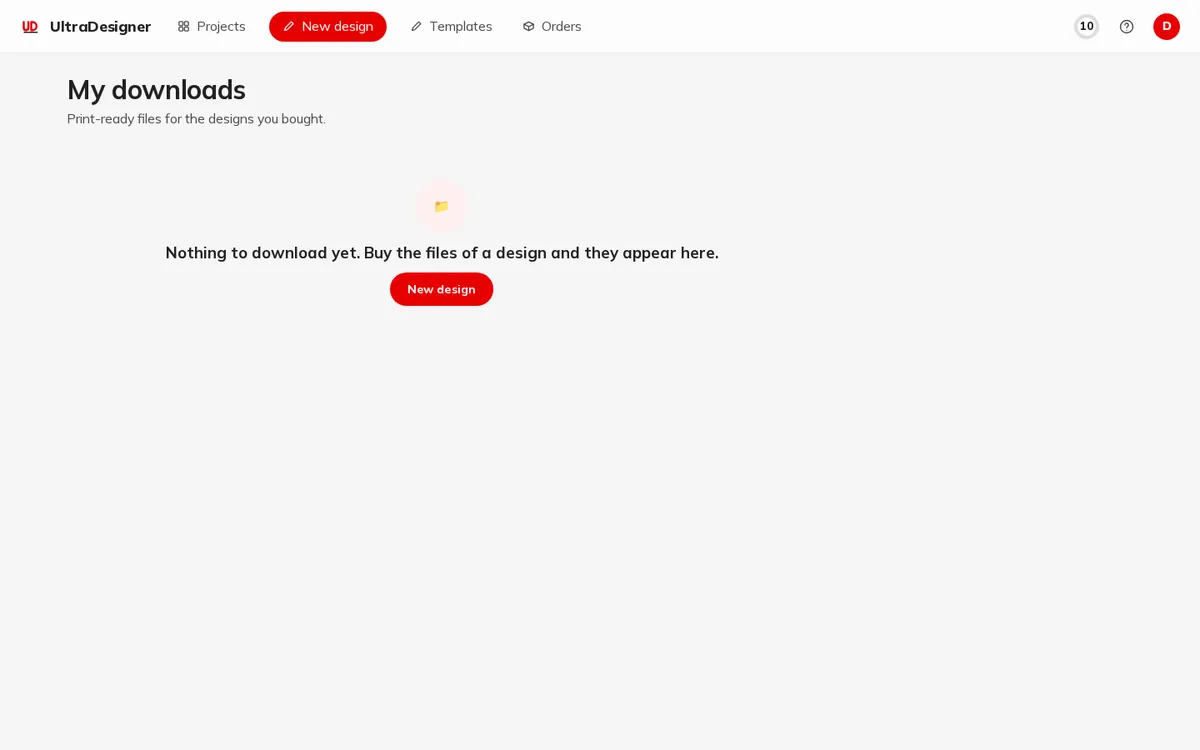
- Click Get files to create download links. Each link works for 15 minutes; ask for new ones any time until the end date, with Get new links.
- Each link works once, and a purchase can be downloaded up to 20 times.
- Right after payment you may see Your files are being prepared. This usually takes a minute.
If you change the design after buying
A purchase stays tied to the exact version you paid for. Changes you make later are a new version: to get files of the new version, you buy them again.
Screens and prices in the pictures are examples; the app always shows the current price before you pay.
Written for the app as of 2026-10-27.