

Downloads and orders
Your orders and their statuses
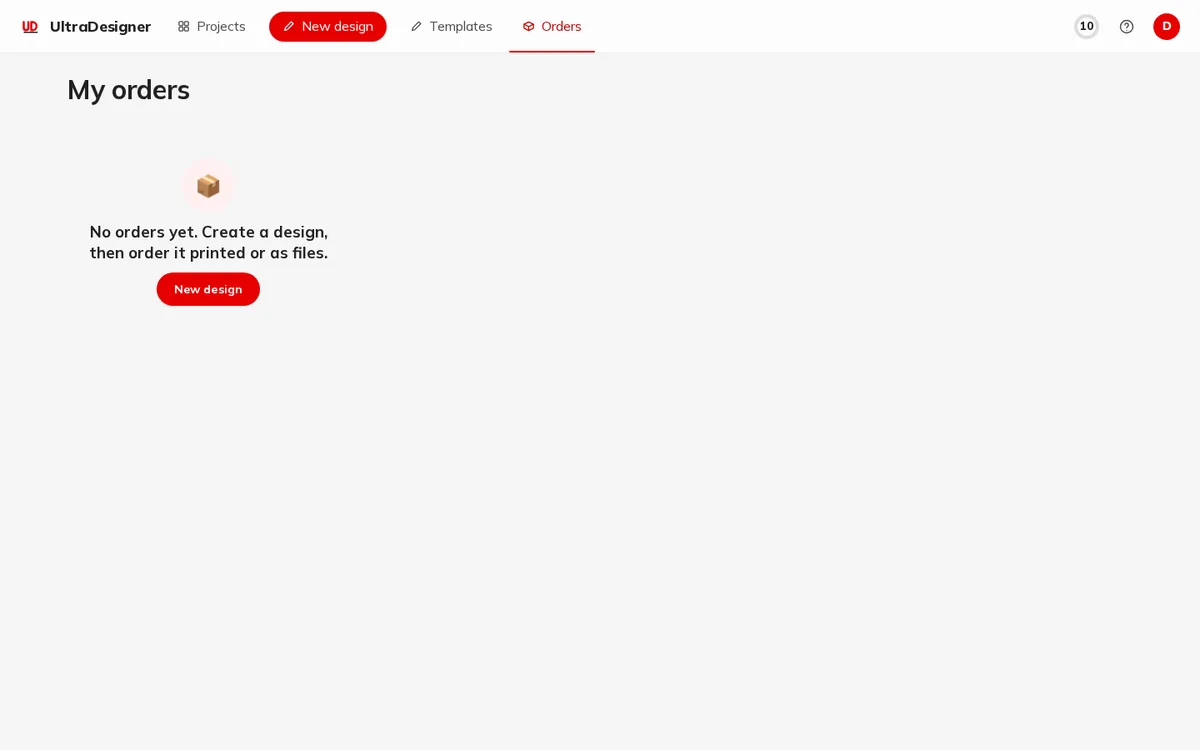
Every order you place is listed under My orders, with its status and a timeline of what happened.
Open My orders
Sign in and click Orders in the app menu, or open My orders. Click an order to see its details, the lines, the payment and the Order timeline.
Order statuses
| Status | What it means |
|---|---|
| Draft | The order was started but not sent to payment. |
| Awaiting payment | Waiting for the payment to be confirmed. Continue to payment lets you finish it. |
| Paid | The payment was received. |
| In production | At least one line is being made. |
| Completed | Everything was delivered or made available. |
| Cancelled | The order was cancelled. |
| Refunded | The payment was refunded. |
| Payment failed | The payment did not go through; nothing was charged. |
| Status | What it means |
|---|---|
| Pending | Paid, not yet passed on for production. |
| Queued | Waiting for production. |
| Sent to production | Passed on to be printed. |
| Accepted | Accepted by the printer. |
| In production | Being printed. |
| Shipped | On its way; the tracking number appears with Track parcel. |
| Delivered | Delivered. |
| Problem | Production hit a problem; the team handles it. |
| Cancelled | Production was stopped. |
Cancel an order
Cancel order is offered while an order is not paid yet, when its payment failed, or when it is paid but none of its printed lines has gone to production. Confirm with Yes, cancel. For a paid order you see The order was cancelled. Your payment will be refunded. A paid download cannot be cancelled.
After the order
- Open design opens the ordered design in the editor.
- Order again starts a new order from the same design.
- For downloads, Download your files takes you to My downloads.
If something is wrong with an order, write to us with the order number from this page; see the contact page.
Screens and prices in the pictures are examples; the app always shows the current price before you pay.
Written for the app as of 2026-10-27.